Moadra Guides: Controls, Achievements & Steam Deck
Moadra Controls & Keybindings — PC and Gamepad
Moadra keyboard, mouse, and controller bindings from Steam news and demo patches, with verification status. Rebind added pre-launch; DualSense supported.
Moadra uses keyboard and mouse free-aim on PC and full gamepad support on Steam. Verified on 2026-10-23 from Gloomsoft Steam news (demo patches 1.0.1, 1.1.0, and the 2026-10-21 demo update) plus Steam store controller_support: full.
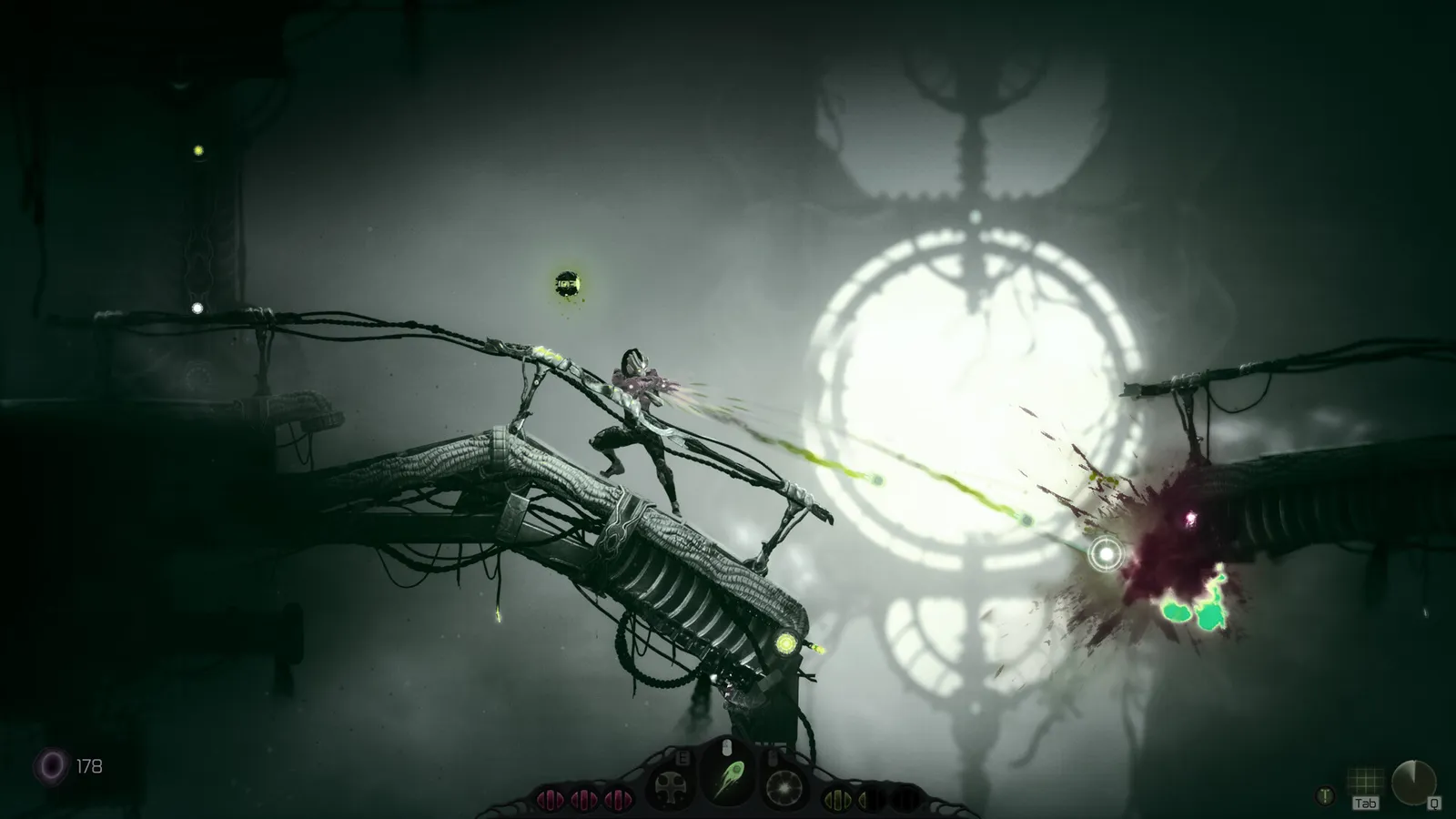 Official Steam store screenshot © Gloomsoft.
What controls are confirmed without playing?
These behaviors are official in store copy or patch notes, independent of individual keys:
| Feature | Official behavior | Source | Status |
|---|---|---|---|
| Movement toolkit | Roll, dodge, jump, wall jump, sprint | Steam detailed description | Confirmed (store copy) |
| Shooting | Mouse free-aim on PC | Steam reviews / store marketing | Confirmed (store + reviews) |
| Lock-on | Target lock for enemies; demo patches refined selection | Demo 1.0.1 / 1.1.0 news | Likely in retail; default key unclear |
| Scanner | Scanner bot / X-ray vision | Steam detailed description | Confirmed (store copy) |
| Gamepad | Full controller support; DualShock / DualSense USB | Steam app categories | Confirmed (store categories) |
| Rebinding | Player can rebind controls | Steam news 2026-10-21 | Confirmed (official news) |
| Crouch (gamepad) | Hold left stick or D-pad down | Demo 1.1.0 news | Retail — verify feel in settings |
| Free-aim (gamepad) | Hold LT/L2 while standing; shows reticle | Demo 1.1.0 news | Retail — verify on your pad |
| Map | Store screenshots show Tab near map icon | Official screenshots | Retail — key likely; rebindable |
For how scanning interacts with exploration, see scanner bot and hidden paths. For ability names tied to Q/E slots in third-party notes, see abilities and upgrades.
Default keyboard and mouse bindings
The table below merges third-party demo documentation (gamehowto.com) with official screenshot prompts. We did not exhaustively re-map every action in the 2026-10-22 retail exe—status explains confidence.
| Action | Default binding | Verification status |
|---|---|---|
| Move | W A S D | Demo-era list — verify in retail |
| Jump | Space | Demo-era list — verify in retail |
| Fire / aim (mouse) | Left mouse button (aim with mouse) | Demo-era list + store free-aim — verify in retail |
| Ability slot cycle / use | Q / E (HUD shows E on central ability) | Demo-era list + screenshots — verify in retail |
| Interact / use / chamber | E (overlaps ability prompt in UI) | Demo-era list — verify in retail |
| Scanner | F | Demo-era list — verify in retail |
| Pause / menu | Esc | Demo-era list — verify in retail |
| Map | Tab (icon prompt in screenshots) | Official screenshots — likely retail |
| Lock-on | Not published in official patch text | Unknown default key |
| Roll / dodge / sprint | Not in official published key chart | Check in-game Settings → Controls |
Gamepad bindings (documented partial set)
Official patch notes and store metadata do not give a complete Xbox/PlayStation chart. Documented items:
| Action | Documented binding | Verification status |
|---|---|---|
| Free-aim while standing | LT (Xbox) / L2 (PlayStation) | Demo 1.1.0 patch notes — verify in retail |
| Crouch | Hold left analog stick down or hold D-pad down | Demo 1.1.0 patch notes — verify in retail |
| Lock-on | Targets nearest reticle enemy or moving target | Demo 1.1.0 behavior — button not listed in patch text |
| Move / aim / fire | Standard Metroidvania layout (sticks + triggers) | Steam “full controller” — defaults not published |
| Menu / map | Tab appears on KB prompts; gamepad map button not in patch notes | Unknown |
Steam Deck ships with a default verified configuration (Steam Deck Verified test 2026-10-14, build 25389913, per Valve’s Deck compatibility listing and Gloomsoft’s 2026-10-21 announcement). Expect Deck layouts to mirror Xbox-style prompts unless you remap in Steam Input.
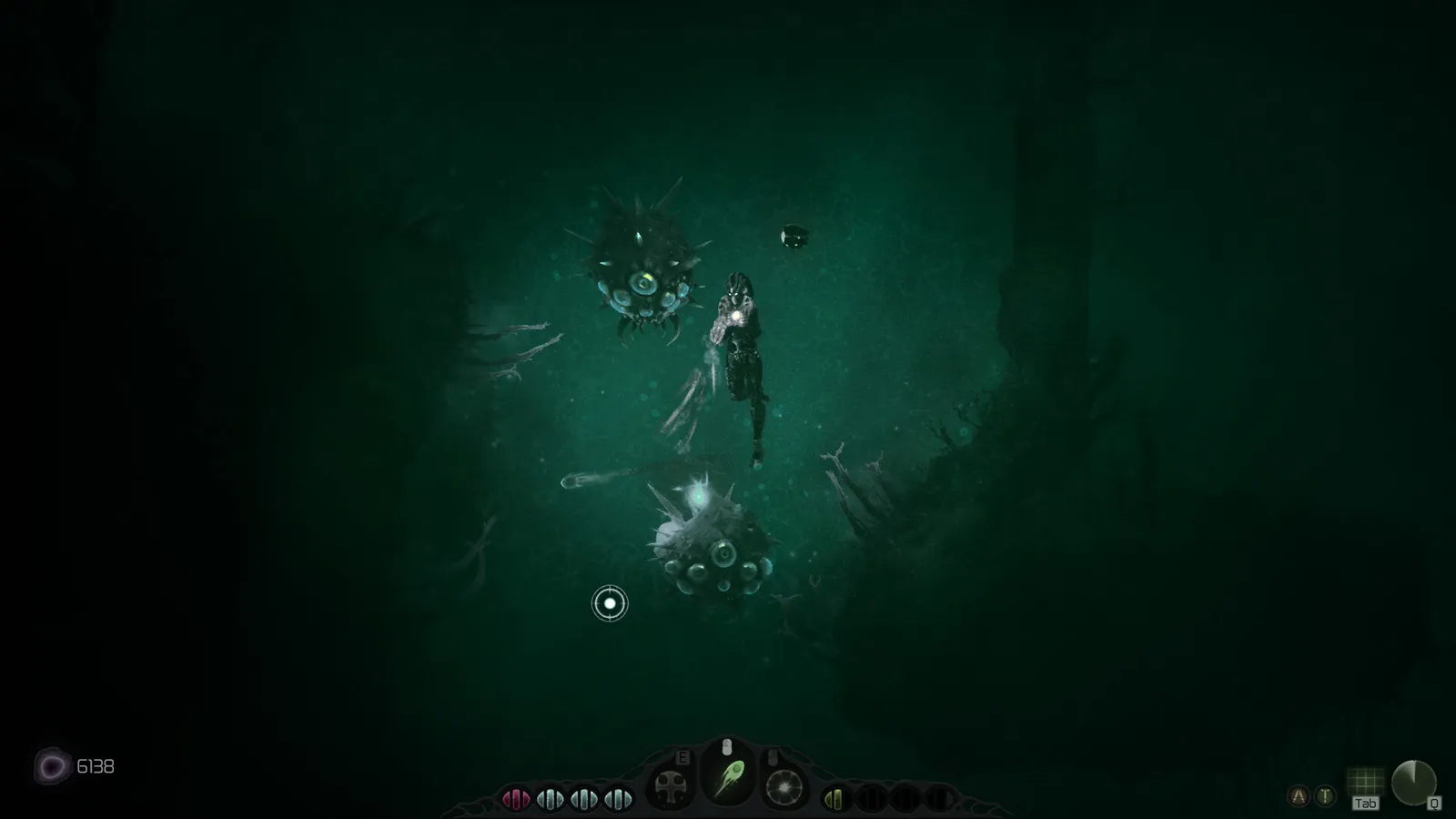 Official Steam store screenshot © Gloomsoft.
Aim modes: free-aim, lock-on, and crouch
PC: Steam player reviews and press previews describe Metroid Dread–style agility with mouse free-aim plus a lock-on helper. Demo 1.0.1 specifically mentions improved lock-on selection feedback.
Gamepad (demo 1.1.0 official bullets):
- Hold LT/L2 to enter standing free-aim with a visible reticle.
- Lock-on attaches to enemies and moving targets, choosing the target closest to your reticle—not static scenery.
- Crouch requires holding stick or D-pad down rather than a tap toggle in that patch.
We do not document right-stick gun aiming—a Steam thread requested it with no developer reply visible as of 2026-10-23.
Map and menu mouse controls
Official screenshot ss-09 shows on-map hints for mouse users:
- Left click + drag: pan the map
- Right click: reset view
- Scroll wheel: zoom in/out
Region name Undermoors and objective text appear in that UI—these are gameplay spoilers only insofar as Steam already published the screenshot.
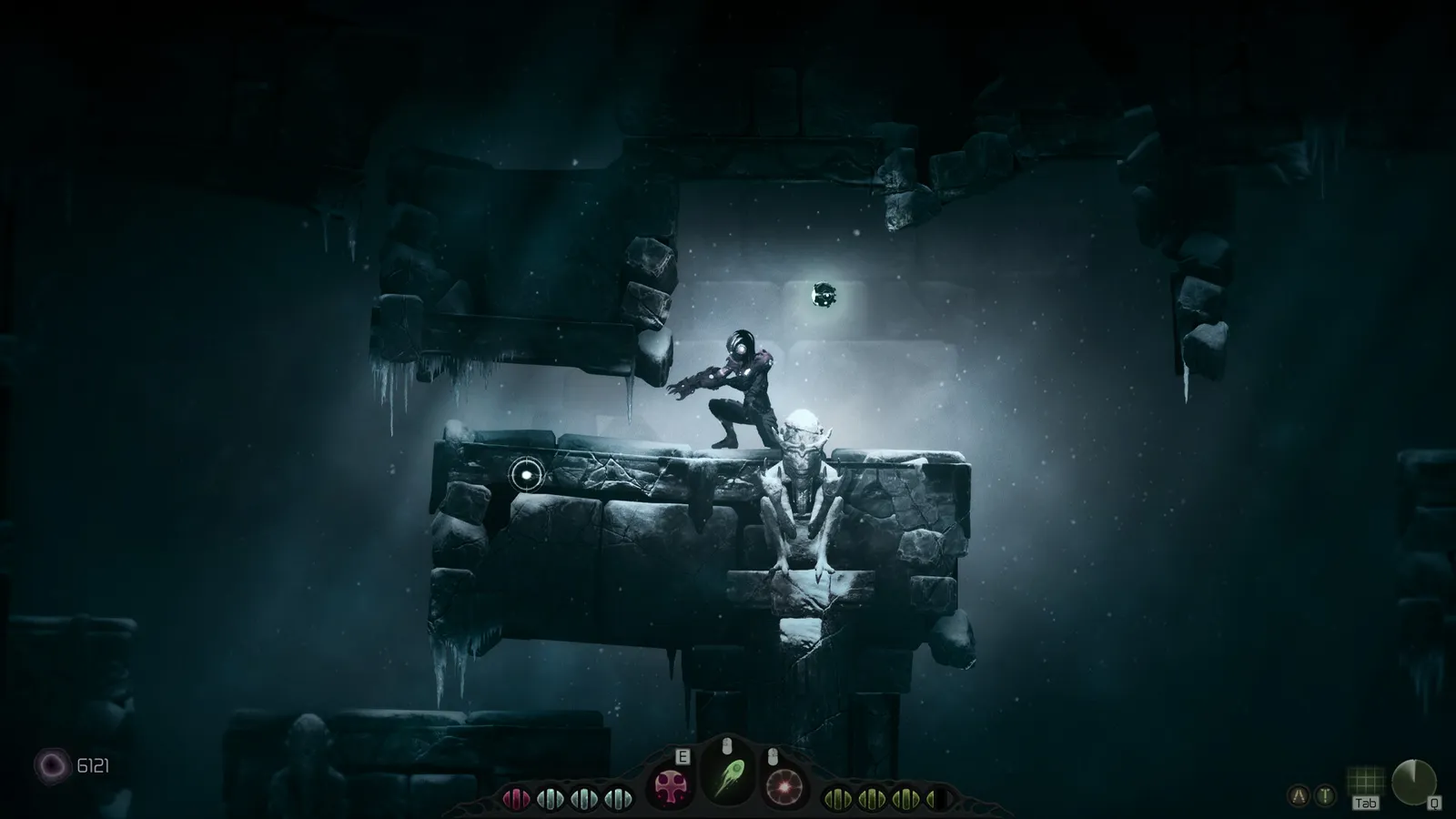 Official Steam store screenshot © Gloomsoft.
Steam Input, Deck, and console ports
- Steam PC build is Windows-only on the store page; this controls guide applies to that SKU.
- PS5 / Xbox Series X|S / Switch versions launched the same calendar date per Gloomsoft Bluesky, but we lack verified per-platform control diagrams. Do not assume PC defaults match DualSense face buttons without in-game verification.
- See system requirements and Steam Deck for Verified status—not control remapping.
New player context
If you are learning movement alongside binds, read the beginner guide for Protoplasm, chambers, and scanner use. Boss achievements are listed in the achievements guide—controls alone will not explain fight pacing.
Sources
- Moadra on Steam — controller categories, feature list
- Steam news for app 1713730 — Moadra Demo patch notes 1.0.1 (2025-02-21)
- Steam news for app 1713730 — Moadra Demo patch notes 1.1.0 (2025-04-28)
- Steam news for app 1713730 — Steam Deck Verified / Demo Update! (2026-10-21), rebind controls, scan logbook
- Steam discussions — DualSense support — Gloomsoft reply
- gamehowto.com demo control summary (third-party, October 2026; cross-check in retail)
- Official Steam store screenshots (HUD key prompts)
FAQ
Can you remap controls in Moadra?
Does Moadra support PlayStation controllers on PC?
How does lock-on aiming work?
How do you crouch on controller?
What does LT or L2 do on a gamepad?
Where are the default PC keys documented officially?
Related Articles
bosses
All Moadra Bosses — Achievements, Names & Unlock Rates
Seven Moadra bosses from Steam achievements: exact names, descriptions, 2026-10-23 unlock rates, and verified demo patch notes—no unverified fight strategies.
guides
Moadra Achievements Guide — All 21 Steam Trophies
Full list of all 21 Moadra Steam achievements with descriptions, types, and global unlock % snapshot from 2026-10-23. PS5 and Xbox lists not verified.
guides
Moadra Beginner Guide — Tips for Protea VI
Beginner tips for Moadra on PC: exploration, Protoplasm upgrades, scanner bot, save points, platforms, and what we verified on 2026-10-23.
Was this helpful?
Thanks for the feedback!